Page Speed Test Tool: Check Your Website Performance Instantly
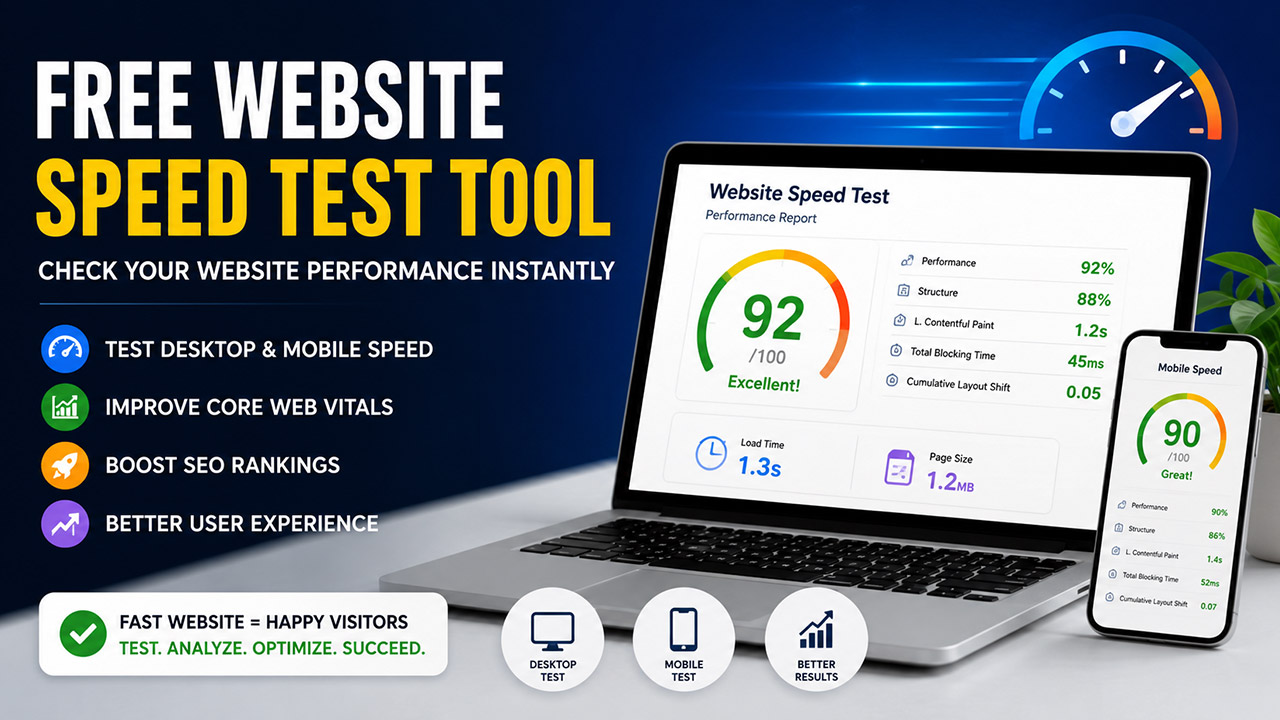
Page Speed Test Tool: How to Check Website Speed for Free (Complete Guide)
Website speed is no longer merely a technical issue. It affects the user experience, the ranking of the site on a search engine, the site’s conversion rate, and the overall growth of a business. Be it a business website or an online store or a personal blog, a slow website can drive users away.
A good tool for testing the speed of a webpage helps you troubleshoot and improve the overall performance of your website. This article talks about why speed matters for a website, how a website speed test can be done for free, and what tools can be used.
What is a Page Speed Test Tool?
A Page Speed Test Tool is an online application that is used to analyze how fast or slow a website is when it is accessed on a desktop or a mobile device. These tools analyze and measure many metrics of performance like the time a page takes to load, the Core Web Vitals, response time of the server and other metrics related to the optimization of Images, CSS, and JavaScript.
🚀 Free Website Speed Test
Enter your website URL and check its performance instantly using Google's official PageSpeed Insights tool.
Need help improving your website speed? Contact WebMatriks for a FREE Website Performance Audit.
By utilizing a Free Website Speed Test, webmasters can understand and detect performance issues and obtain insights to enhance speed.
Why Website Speed is Important
Website Speed is a critical factor in both user experience and website ranking.
A website that loads fast offers the following benefits:
– Enhanced user experience
– Improved Google ranking
– Decreased bounce rate
– Improved conversion rate
– Faster mobile browsing
– Improved Core Web Vitals
– Increased customer satisfaction
Numerous studies have shown that users expect a webpage to load in a few seconds and that even a delay of a few seconds can adversely impact conversions and drive visitors away.
How to Test Website Speed for Free
People wonder how they can test website speed for free.
Following this guide, it’s easy.
Step 1: Choose a Free Website Speed Testing Tool
Find a trustworthy tool for testing website speed.
Step 2: Input Your Website’s URL
Paste your website’s URL into the tool.
Step 3: Run the Test
Hit the analyze or test button.
Step 4: Analyze the Results
The tool will evaluate the following:
Time to Load the Page
First Contentful Paint
Largest Contentful Paint
Total Blocking Time
Cumulative Layout Shift
Speed Index
Mobile Results
Desktop Results
Step 5: Improve the Performance
Many tools offer suggestions for performance improvement. These include:
Image Compression
CSS/JavaScript Minification
Browser Caching
Unused Code Removal
Server Response Improvement
Font Optimization
CDN Implementation
One of the best things about testing website speed for free is that you can test as many times as you need while implementing the suggestions.
Free Website Speed Test for Desktop
With a Free Website Speed Test, you can determine how quickly your website loads on desktop browsers.
Productivity for desktop speed tests can be impacted by:
Large Images
Slow Scripts
Large CSS Files
Server Resources
Render Blocking Resources
Since desktop users typically have faster internet connections, optimizing your website for desktop users can help with overall performance.
Free Mobile Website Speed Test
Since more users access the internet from mobile devices, it’s more important than ever to run a Free Mobile Website Speed Test.
A mobile website speed test assesses the performance of your website on varying smartphones and the slower mobile networks.
The test will check for:
Mobile load speed
Performance of responsive design
Touch usability
Mobile Core Web Vitals
Mobile rendering issues
Because Google uses mobile-first indexing the mobile version of your website is critical for your SEO.
Performing a Free Mobile Website Speed Test will help ensure your users have a seamless experience on all devices.
Reasons Your Website Is Slow
If your performance score is low, the following common issues may be the cause:
Large Images
The larger and the more images you have, the more bandwidth are consumed and increase load time.
Unoptimized JavaScript
A bulk amount of JavaScript can increase the render time of a page.
Unoptimized CSS
Unused stylesheets can add bulk to webpages.
Hosting
Some hosting providers have poorer response times.
Too Many Add-ons
Too many add-ons can increase load times.
No Browser Caching
Every time there is no lag caching, all resources are loaded on each visit.
No Compression
Adding GZIP or Brotli compression can help reduce the bulk of pages.
How to Make Your Website Load Faster
After you have run a free website speed test, the following can be done to speed up a website:
Compress Images
Use the newer image formats like WebP or AVIF, and then compress them prior to adding them to your site.
Enable Browser Caching
When caching is implemented, the static files are stored locally and then do not have to reload each time.
Minify CSS and JavaScript
Remove all unnecessary spaces and comments and all unused portions.
Use a Content Delivery Network (CDN)
With a CDN, the content is delivered via the server closest to the audience.
Optimize Fonts
Reduce font types and implement strategies that optimize the loading of fonts.
Fast SSD or cloud hosting with high-performing servers.
Combine files to reduce server requests.
Only load images when users scroll to where they are.
Which Website is Best for Speed Tests?
Many website owners ask:
Which website is best for speed tests?
Some of the most reliable websites for an accurate analysis of your website are:
Google PageSpeed Insights
GTmetrix
Pingdom Website Speed Test
WebPageTest
Lighthouse
Chrome DevTools
Each website provides different details for loading speed, Core Web Vitals, and areas of improvement.
Instead of focusing on just one report, it is best to look at several, as they will provide the best analysis of your website.
How Often Should You Test your Website Speed?
Testing your website speed is not a one and done task.
It is best to conduct a Free Website Speed Test:
– After you launch a new website
– After you add or remove plugins
– After you change your themes
– After you make changes to your website
– Before large marketing campaigns
– As part of your monthly website maintenance
It is best to do regular tests in order to identify and fix problems before it impacts your users and your ranking on search engines.
Benefits of Using a Page Speed Test Tool
Using a professional page speed test tool is best to:
– Find and fix speed issues on your website
– Improve your Core Web Vitals
– Improve your website SEO
– Get more users to your website
– Lower your bounce rate
– Get more users to convert using your website
– Improve the experience of your users on mobile
– Get helpful tips on how to improve your website speed
– See how your website speed improves over time
If you have a personal website or a website for a large business, you should regularly test your website speed and use a professional page speed test tool.
Final Thoughts
Web users benefit, visibility on search engines increases, and business performance improves from fast loading websites. Regular performance reviews of your website don’t need costly software. With a good page speed test tool, the performance issues of your website can be identified and optimizations can be userfully implemented.
Would you like to know how to check website speed for free? You can use a reliable Free Website Speed Test. Review both the desktop and mobile website speed test results, and make the improvements that were suggested.
Are you still wondering which website is the best for speed tests? It varies depending on your individual situation, but the best insights are generally achieved when multiple, reliable testing sites are used.
Frequent speed testing and ongoing improvements will help make your website faster, improve your website’s ranking on search engines, and help deliver a great experience to all visitors.
FAQ
1. A page speed test tool is?
This tool measures the performance of your page and, based on speed and user experience, gives suggestions for improvements for the performance of your website.
2. How can I perform a website speed test free?
This requires you to locate a Free Website Speed Test tool, and enter your website’s URL.
3. Why is a mobile website speed test essential?
This is important for evaluating performance, as the majority of website users are accessing through mobile phones.
4. How often should I check my website speed?
You should test your website speed every month and after any major changes to your website such as updates, redesigns, or installing plugins.
5. Which website is best for speed tests?
Some of the major options include Google PageSpeed Insights, GTmetrix, Pingdom, WebPageTest, and Lighthouse. Each give in depth analysis of speed and give ways to optimize your website further.