How to Remove Your Listing on Whitepages
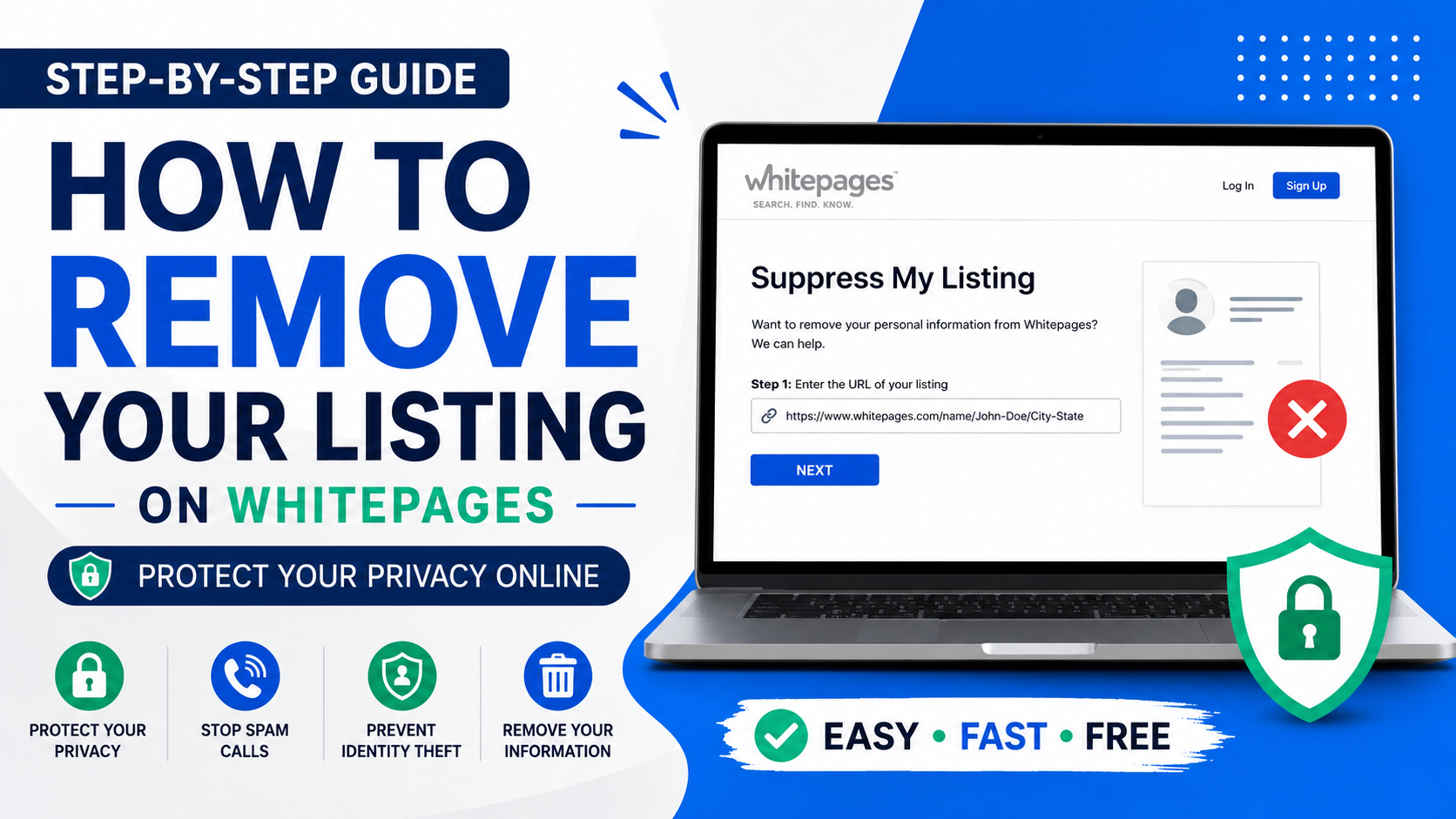
Step-by-Step Guide to Remove Yourself from Whitepages
In 2023, privacy is luxury. Especially when it comes to the Internet. Whitepages is one of many sites that compile and publish your information, e.g. your name, phone number, email, home address, and relatives. Although Whitepages may be designed to help track down information for users, the site can be very invasive to many.
If privacy is a concern due to Identity theft, spam calls, and Internet safety, removing your profile from Whitepages is a good start. This guide will help explain the inner workings of Whitepages, reasons for deleting your listing, and how to properly and successfully go about the opt out process.
What is Whitepages?
They are another online directory that integrates the info they obtain from other sites that are seemingly public. They may include, but are not limited to:
Your full name.
Your phone number.
Current and previous addresses.
Your relatives.
Your age and other background info.
Record of property.
Your public records.
Many people are shocked to discover how much of their information is available online through these directories.
Why Should You Remove Your Listing from Whitepages?
1. Protect Your Privacy
Your personal information should not always be exposed to people you don’t know. Removing your listing helps decrease your Internet presence.
2. Lose the Spam Calls and Messages
Publishing your phone number will almost always result in receiving calls from telemarketers and a lot of spam.
3. Prevent Identity Theft
Whitepages and sites like them publish information that can compromise your credentials. Cybercriminals can use that information to impersonate users and commit crimes.
4. Improve Online Security
Keeping your personal information private not only protects you, but also your loved ones.
5. Maintain Professional Reputation
Your professional contacts may be uncomfortable having their information publicly available through a searchable Whitepages listing.
Also read : Top 20 Advantages and Disadvantages of Using Social Media
Where Whitepages Gets Their Information
Publicly available Whitepages information comes from a combination of available public and private records, including:
Government records and documents
Publicly posted phone numbers
Social media documents
Marketing lists
Real estate data
Court documents
Information from these sources is deemed public. As a result, many users are automatically added to Whitepages without being directly notified.
Removing Your Information From Whitepages
Whitepages makes it easy to delete your information.
Step 1: Search for Yourself
To see for yourself, go to the official Whitepages website:
Official Whitepages Website
Type in your first and last name, along with your city and state, then do a search.
Step 2: Get the URL for Your Listing
Once you have your profile, click on it and copy the complete URL from the web address. You need it for the next step.
Step 3: Go To The Whitepages Opt-Out Page
Visit the official page:
Whitepages Opt-Out Page
After the listing URL is pasted, select Next to continue.
Step 4: Confirm the Correct Listing
After receiving the URL, Whitepages will show you the listing. Check the name, address, phone number, and relatives to verify that this is your profile before clicking continue.
Step 5: Choose a Reason for Removal
When requesting removal from Whitepages, you’ll need to select a reason from these options which best applies to you:
Privacy concerns
Incorrect information
Safety reasons
Unwanted exposure
Step 6: Verify your Identity
In order to prevent misuse, Whitepages may require you to verify your identity through your phone.
You may need to:
Provide a valid phone number
Receive a call or text message from Whitepages
Provide a code to verify your identity
Step 7: Submit Your Removal Request
When the steps stated above have been completed, you may now submit the removal request.
How Long Does Whitepages Removal Take?
Once the request is submitted, Whitepages confirm it and the information is removed usually within 24 hours.
You can return to the site later to confirm that the information has indeed been removed.
Important Things to Know After Removal
Removal May Not Be Permanent
Even after successfully removing your information from Whitepages, your information may show up in the future if Whitepages chooses to use public records again.
Check Regularly
For this reason, it is wise to search for your own name to ensure consumer information is removed.
There Are Other People Search Websites
There are other data broker websites similar to Whitepages. Your information may also be published in
Spokeo
BeenVerified
TruePeopleSearch
PeopleFinder
Intelius
You may need to request your information to be removed from all these sites.
How to Keep Your Online Privacy Safe
Online privacy safety does not end with the tips discussed before. There is additional positive practice.
Keep Sharing to a Minimum
When you share information on social media, do not publish sensitive information.
Privacy Policy Update
Take the time to read the privacy policy and adjust online account privacy settings.
Forget Old Accounts
Ensure all online accounts you do not use anymore are deleted. They risk disclosing personal information.
Make Your Digital Trail Less Visible
Every so often conduct a search to see what accounts may be using your name. Be aware of what information other people can see.
Identity Protection Services Use
There are services that will monitor the sites that collect and sell your personal information and will help with the removal of your personal information from those sites.
Issues Related to Whitepages Removal
Can’t Find Listing
As listings may be updated, search again, varying the name.
Verification Problems
Try using a different phone number that is still linked to your account if your phone cannot be verified.
Listing Shows Up Again
If your information reappears, take the time to opt out of the site again.
Is Whitepages Removal Free?
The opt out of personal listings on Whitepages is a free process. There is no charge for you to opt out of the personal Whitepage directory.
The opt out process of premium records and background reports may be affected.
Final Comments
Offering Whitepages services lessens the risk of someone having their information published and lessens the unwanted safety and security risks. Although the process is quick and easy, monitoring personal information is important for personal safety. Whitepages and other sites use public information and records.
Avoiding the risks of safety and security from unsolicited exposure and unwanted privacy threats is possible with the guidance offered in this process. Taking ownership of your online information more and more valuable in this public information world.
To better protect your privacy, review other people-search websites and maintain good online hygiene.
Stay informed, Stay ahead and Stay inspired with WebMatriks